Skip to content

Freeware · Groovebox & DAW in your browser

Groovebox and DAW for underground club music

Techno, house, electro, dub and everything in between – right in your browser. New track, instant sound: step sequencers, modular synths, a sampler, arrangement, a mixer with a mastering rack and a performance view for the stage. Free, no account, no install.

Free · no sign-up · Chrome or Edge on a computer

MIQMUKK in the browser: drum machine in the step sequencer

Video

MIQMUKK in two minutes

From the first click to a live performance – with the app's real sound.

Simple. Instant sound.

Pick a style, one click – and your first track is playing. Every new track comes with a matching sound and a pattern.

  • 25 underground styles from Detroit techno to dub, with ready-made kits and sounds
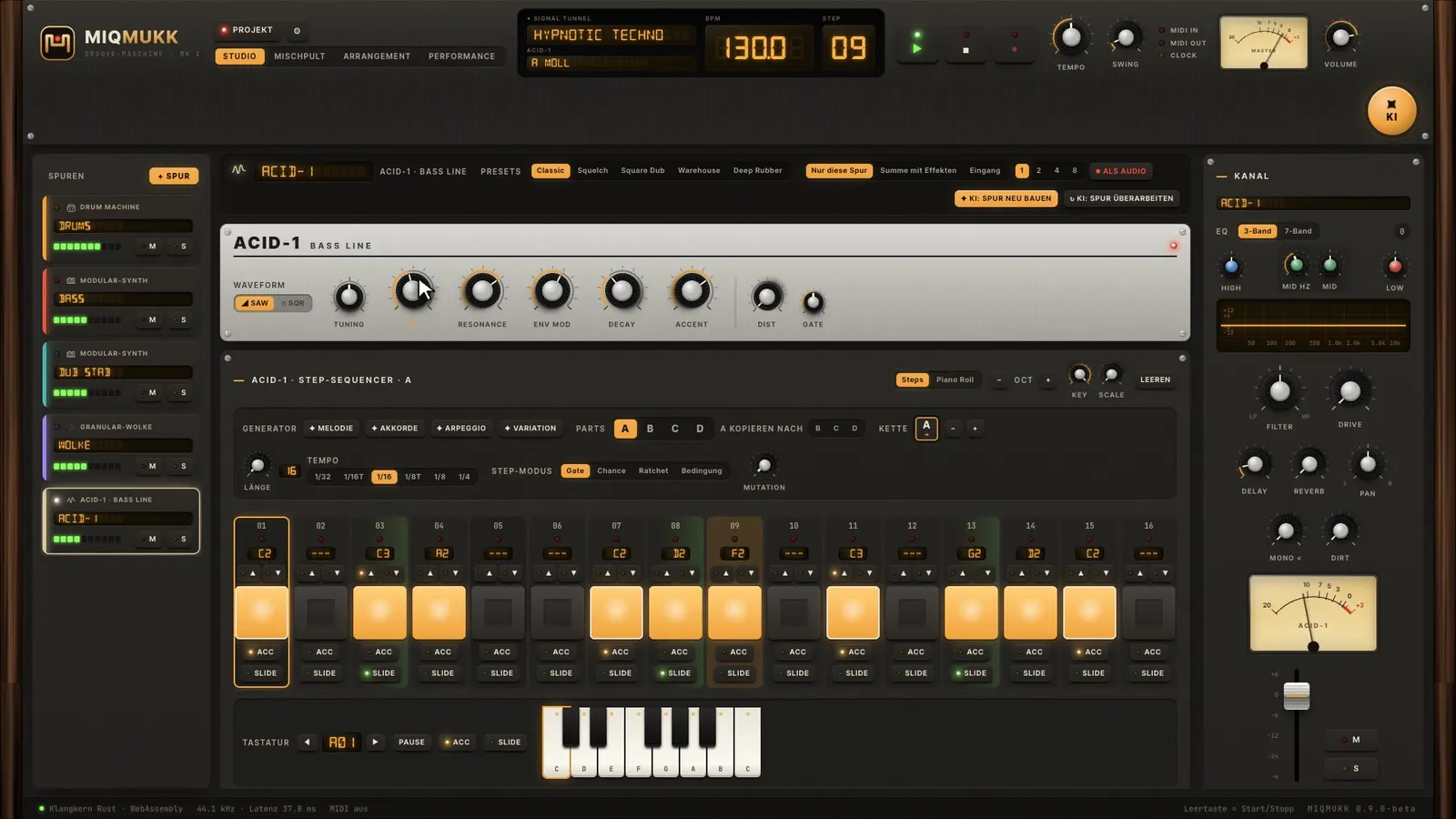
  • Click to set steps, hold the mouse to paint whole rows
  • Computer keyboard as a piano, MIDI keyboard and live recording
  • Local AI idea machine – no internet, no cost
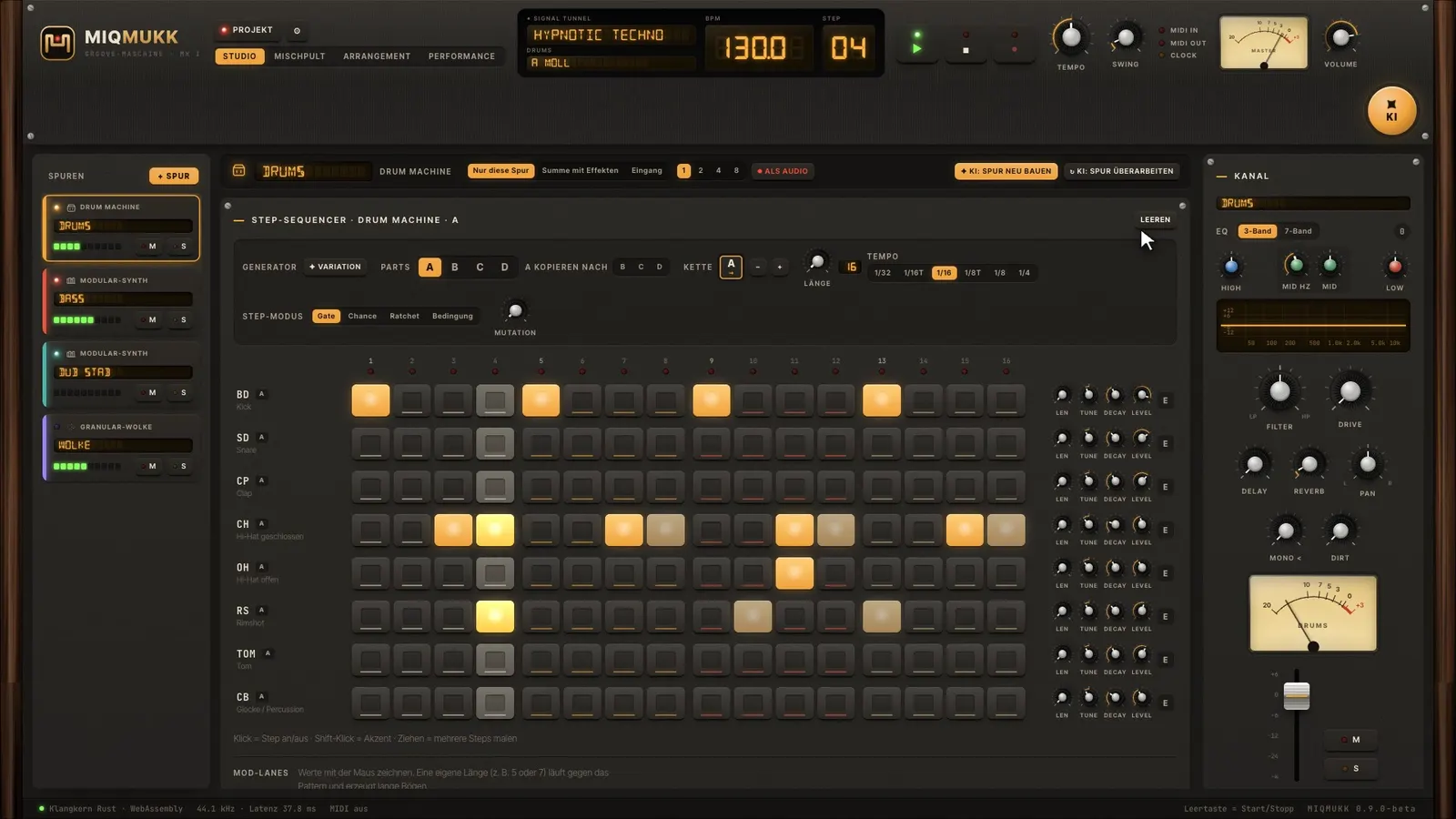
Drum machine in the MIQMUKK step sequencerACID-1 bassline with its own key sequencer

Modular at heart.

Every track has its own sequencer – just like in a modular system.

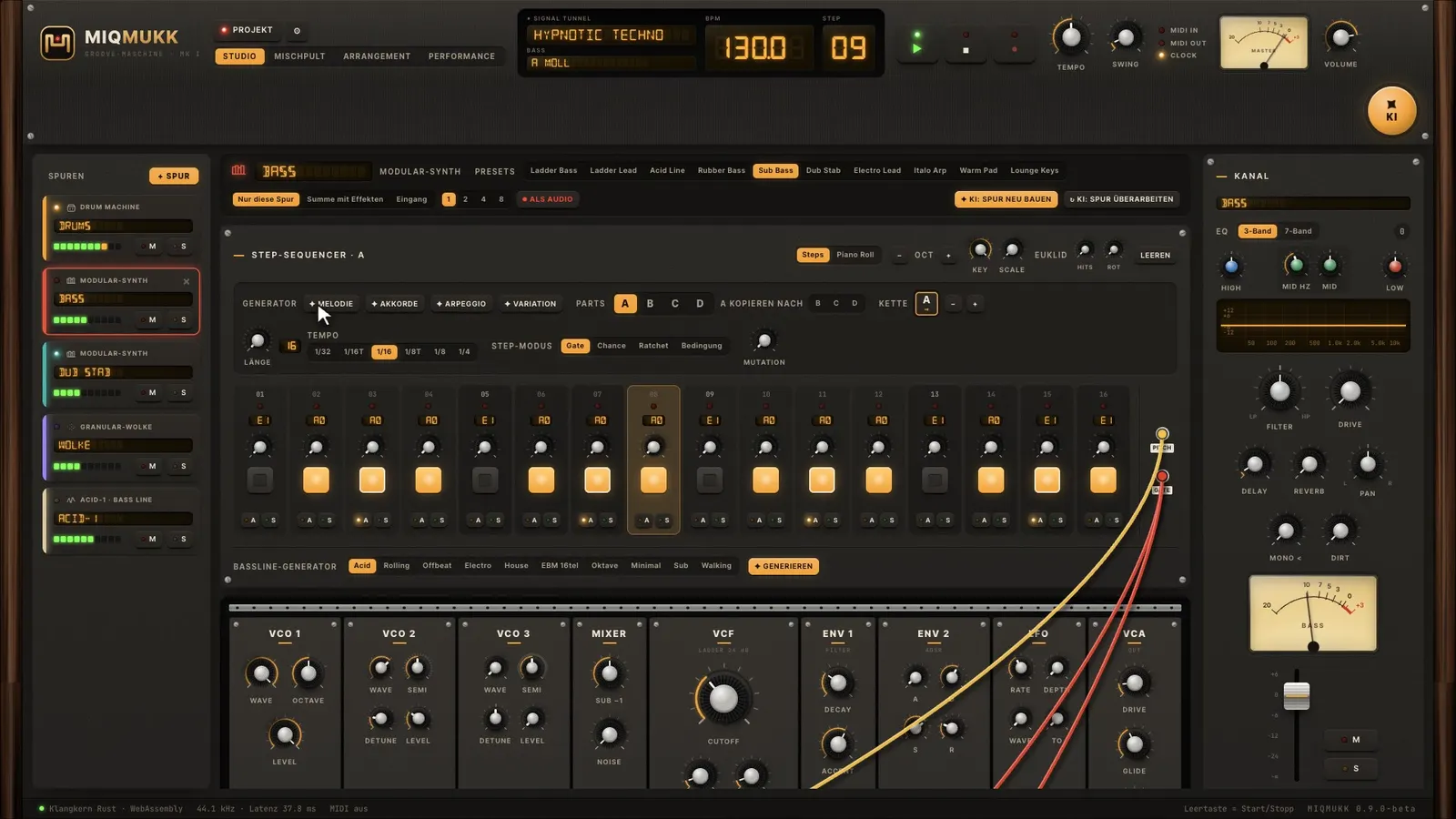
  • Modular synth with three VCOs, ladder filter and patch cables
  • Four parts with their own length, direction and chain – polyrhythms
  • Euclidean rhythms, Turing-style mutation, conditions and ratchets
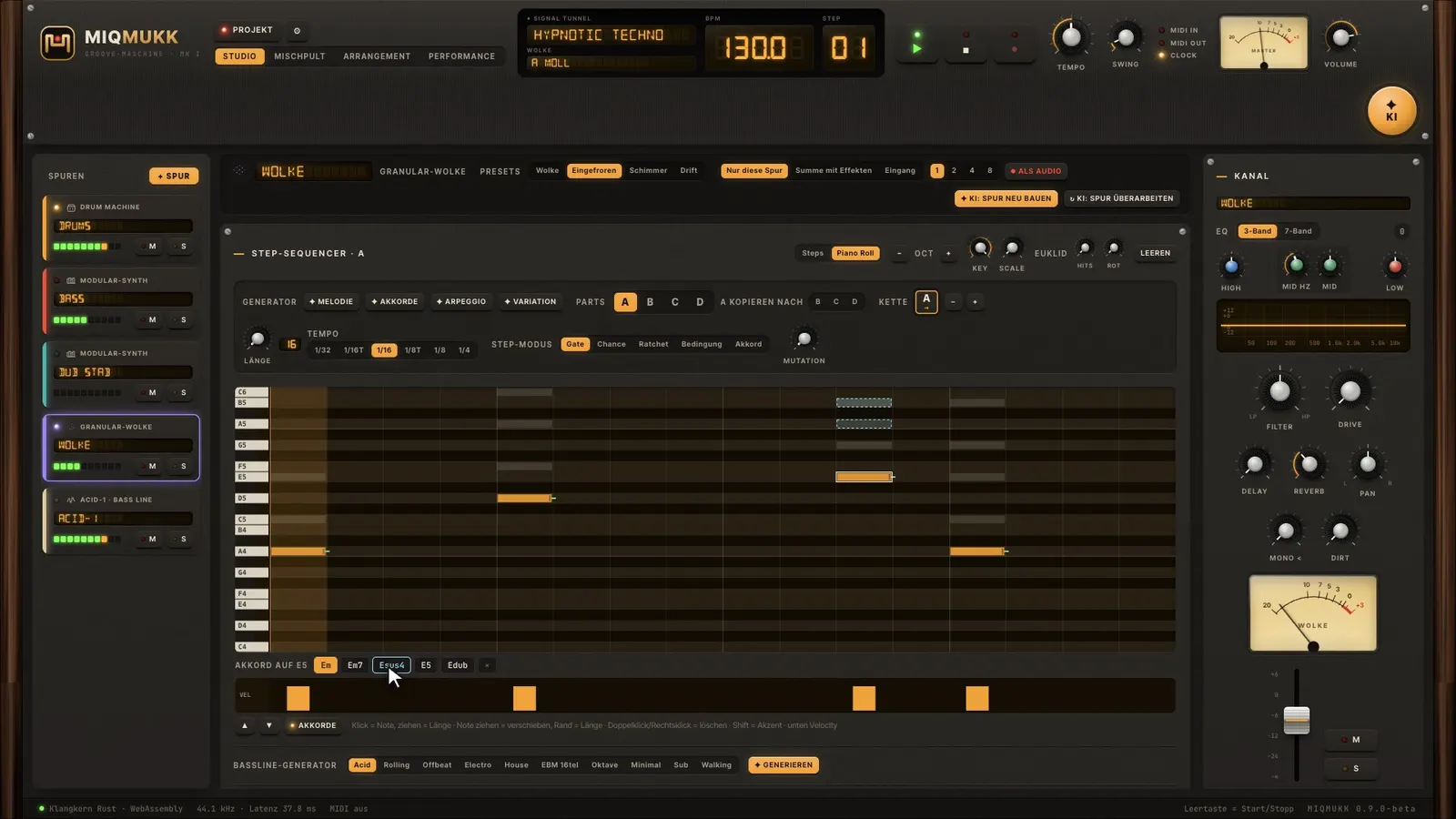
  • Piano roll for every track – with chord suggestions in your key
Modular synth with patch cablesPiano roll with chord preview

Sampling, no detours.

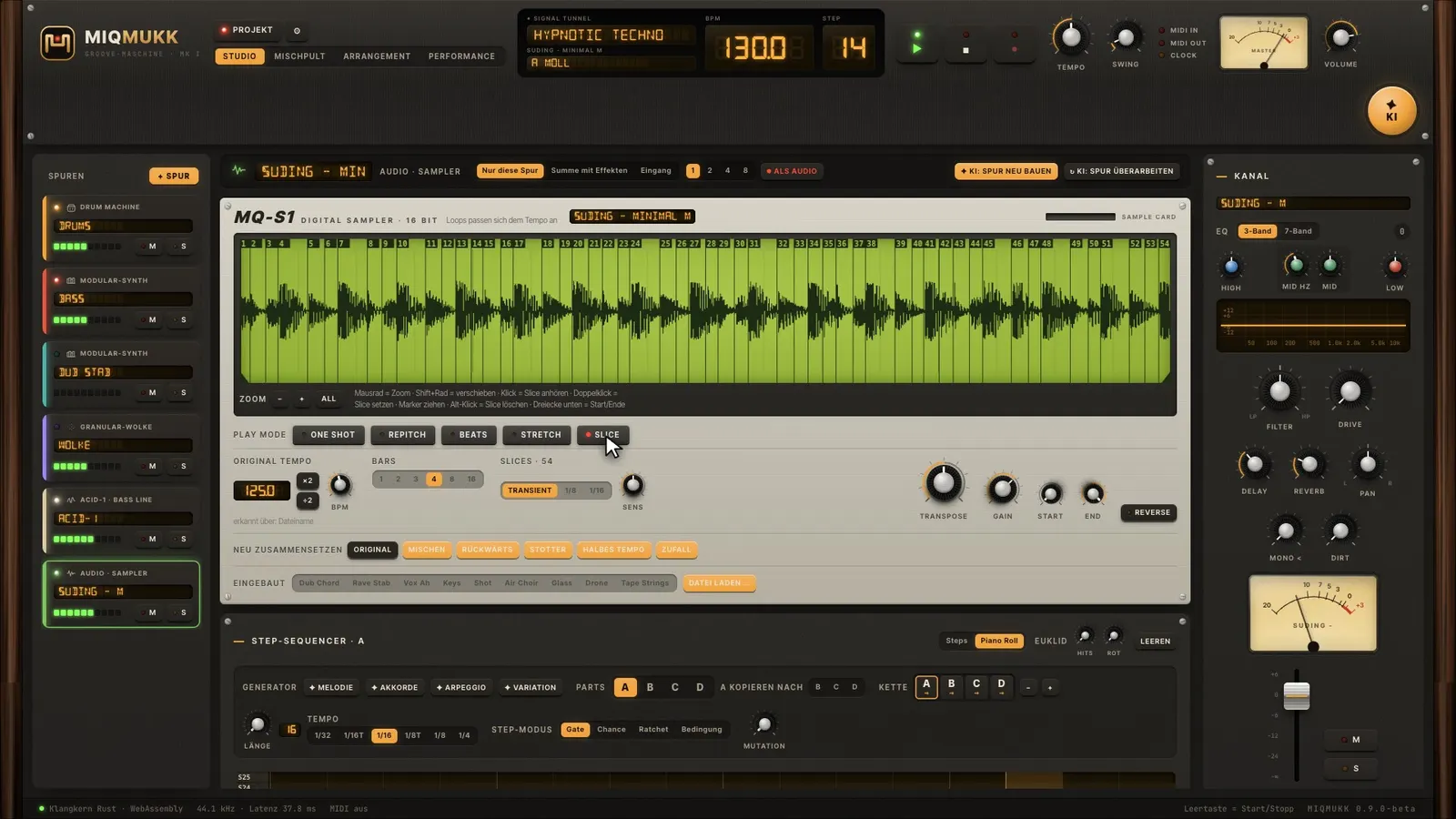
Drop a loop onto the app – tempo and bars are detected, and it plays in your project tempo instantly.

  • Sample player with one shot, repitch, beats, stretch and slice
  • Automatic slices at the transients
  • Reverse, transpose, recompose
  • Resampling: record any track or the master as audio
Sample player with a detected loop and slices

A DAW in your browser.

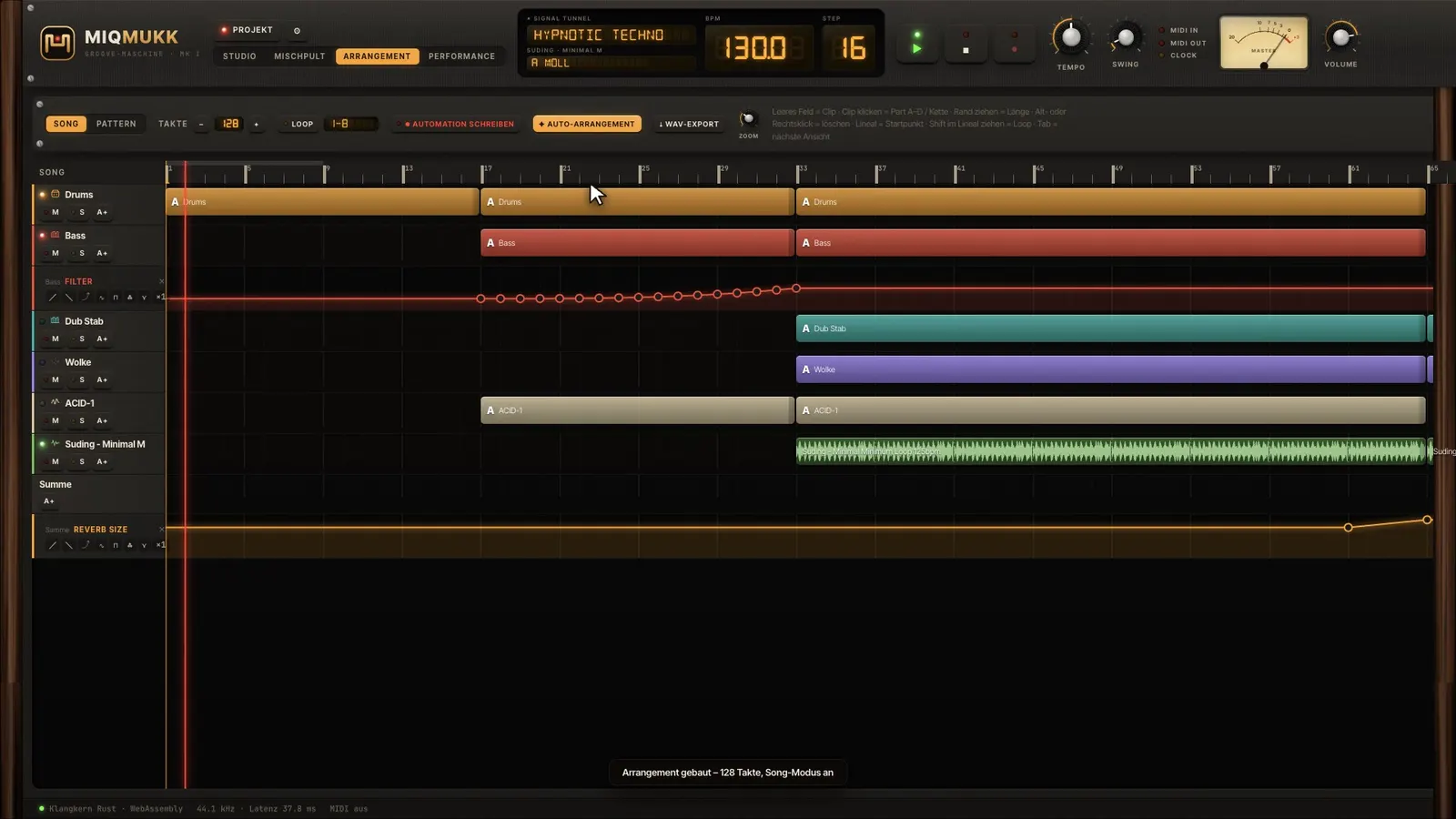
Turn the loop into a track: arrangement, automation, mixer and export.

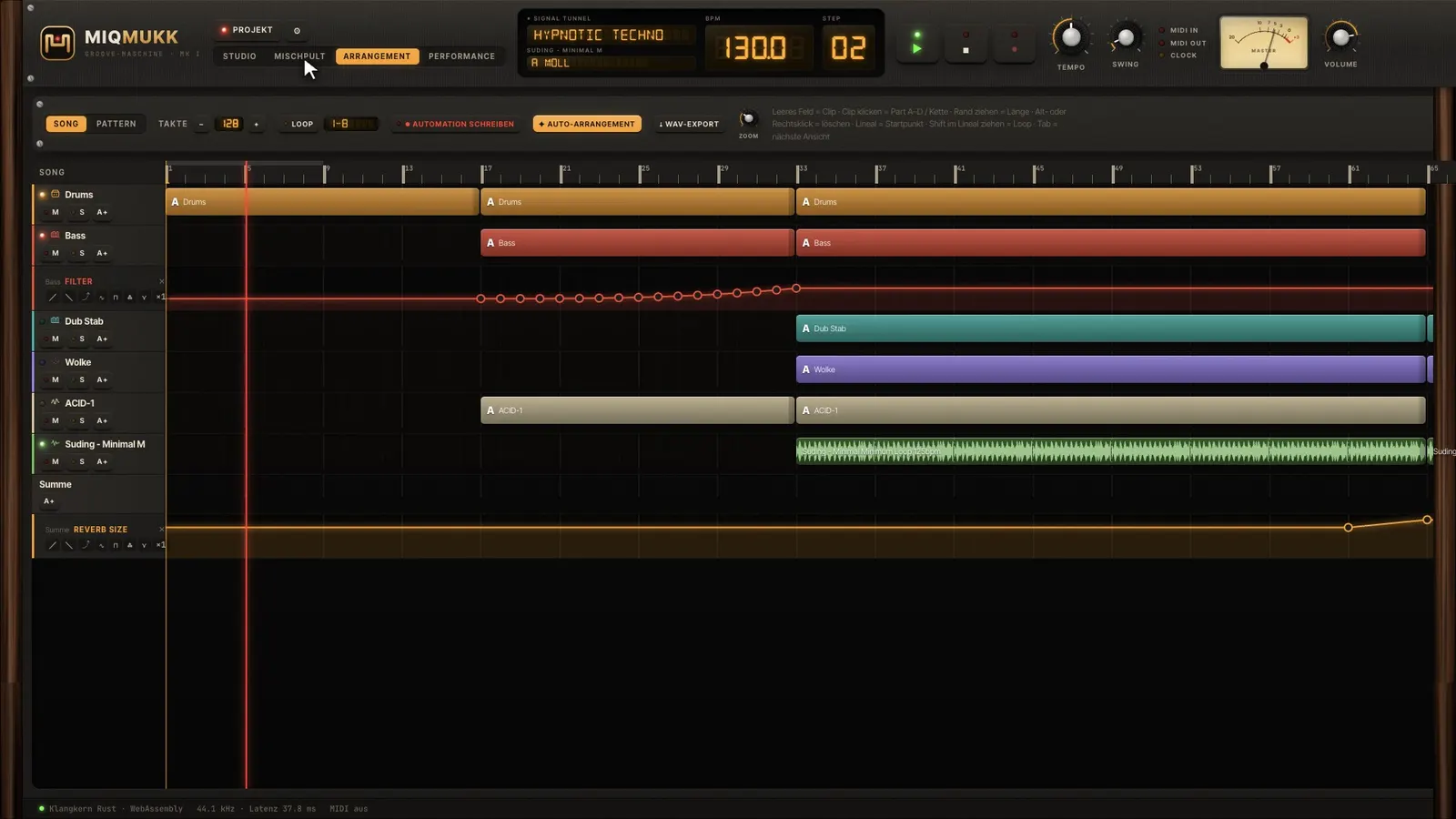
  • Arrangement with clips, automation lanes and auto-arrange
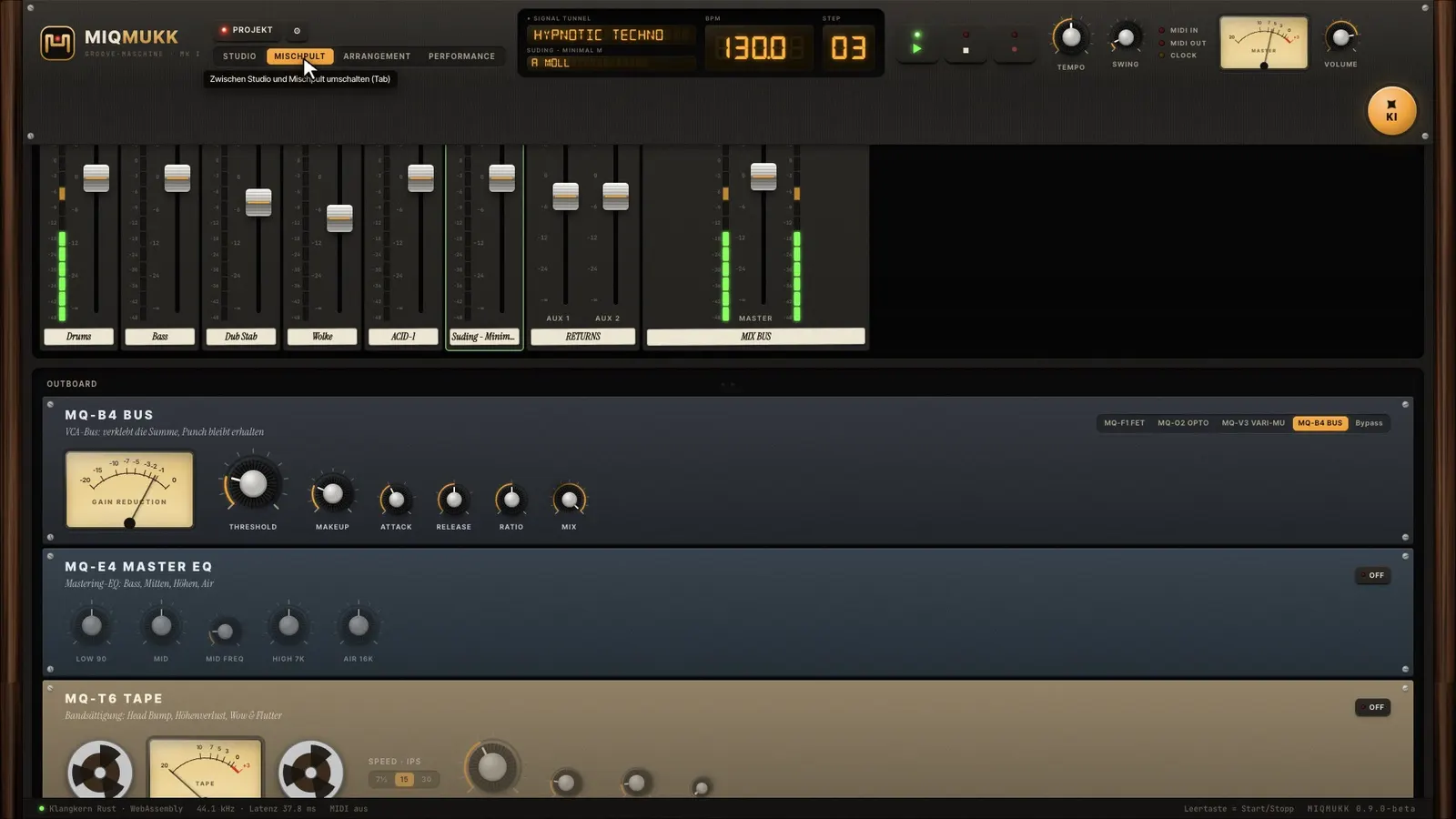
  • Analog-style mixer with EQ, inserts, sends and motor faders
  • Mastering rack with tape machine, multiband, limiter and EBU R128 loudness
  • WAV export as a mix or as stems for any other DAW
Arrangement with clips and automationMIQMUKK mastering rackAnalog-style mixer

Built for the stage.

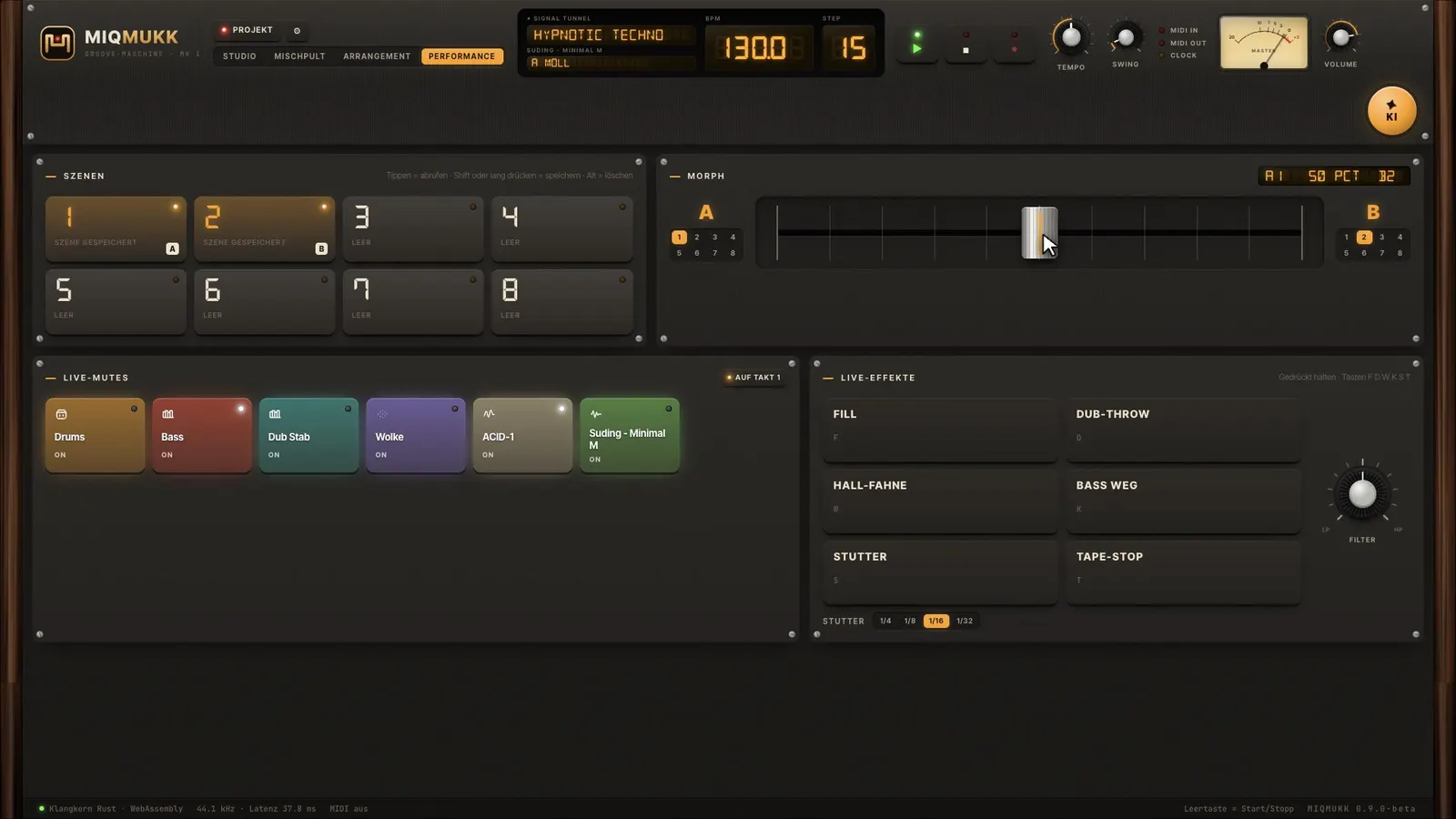
The performance view turns MIQMUKK into a live instrument.

  • Eight scenes and a morph fader between two scenes
  • Live mutes on bar one
  • Stutter, tape stop, dub throw, reverb wash and fill
  • Filter macro for all tracks, jam recording into the arrangement
Performance view with scenes and live effects

Get started

Start for free. Right now.

MIQMUKK runs right in your browser – no download, no account. Projects and samples stay in your browser; use Projects → Export to save them as a file. MIQMUKK is in beta: report bugs right in the app via the BETA badge.

On your phone? Watch the video – MIQMUKK itself needs a computer with a large screen.

FAQ

Questions about MIQMUKK

Is MIQMUKK really free?

Yes. MIQMUKK is freeware: free, no account and no ads. The tracks you make with it are yours.

Do I need to install anything?

No. MIQMUKK runs entirely in your browser. The sound engine is written in Rust and runs as WebAssembly right on your computer.

Where are my projects saved?

In your browser on this device, including samples. Nothing is sent to a server. Use Projects → Export to save a project as a file and open it on any other computer.

What kind of music can I make?

MIQMUKK is built for underground club music: techno, house, electro, acid, dub, breakbeat, jungle, ambient and more – 25 styles with matching sounds.

Is MIQMUKK a real DAW?

For electronic music, yes: arrangement with automation, mixer, mastering and export as WAV or stems. For multitrack vocal recording a classic DAW is better – export your stems there.

Does MIDI work?

Yes, in Chrome and Edge: MIDI keyboards for live recording, and MIDI tracks control external synths and drum machines.

What about VST and AU plugins?

Plugins will come with the planned Mac app. They are not technically possible in the browser.