Skip to content

Projection mapping software · Browser and Mac MikroMapper

Draw surfaces. Start playing.

MikroMapper creates the images for projection mapping – also known as video mapping – onto facades, walls, objects and stage sets: animations, your own videos, photos, text and shaders – controlled live with faders, beat, audio, MIDI and a set matrix, spread across as many surfaces as you like and cut into any shape.

Video

MikroMapper in three minutes.

Mapping, animations, effects, looks and macros, beat and MIDI, your own media – everything working together. With music by Michael Suding.

In four steps

From projector to show.

  1. ↵

    Open

    Open the file in Google Chrome – or launch the Mac app.

  2. ⇧A

    Projector window

    Open it, move it to the projector, press ↵ there for full screen.

  3. m

    Mapping

    Switch it on, add surfaces and place them on the objects.

  4. ⌘F

    Play

    Search an animation, open the live faders with <.

Shape it

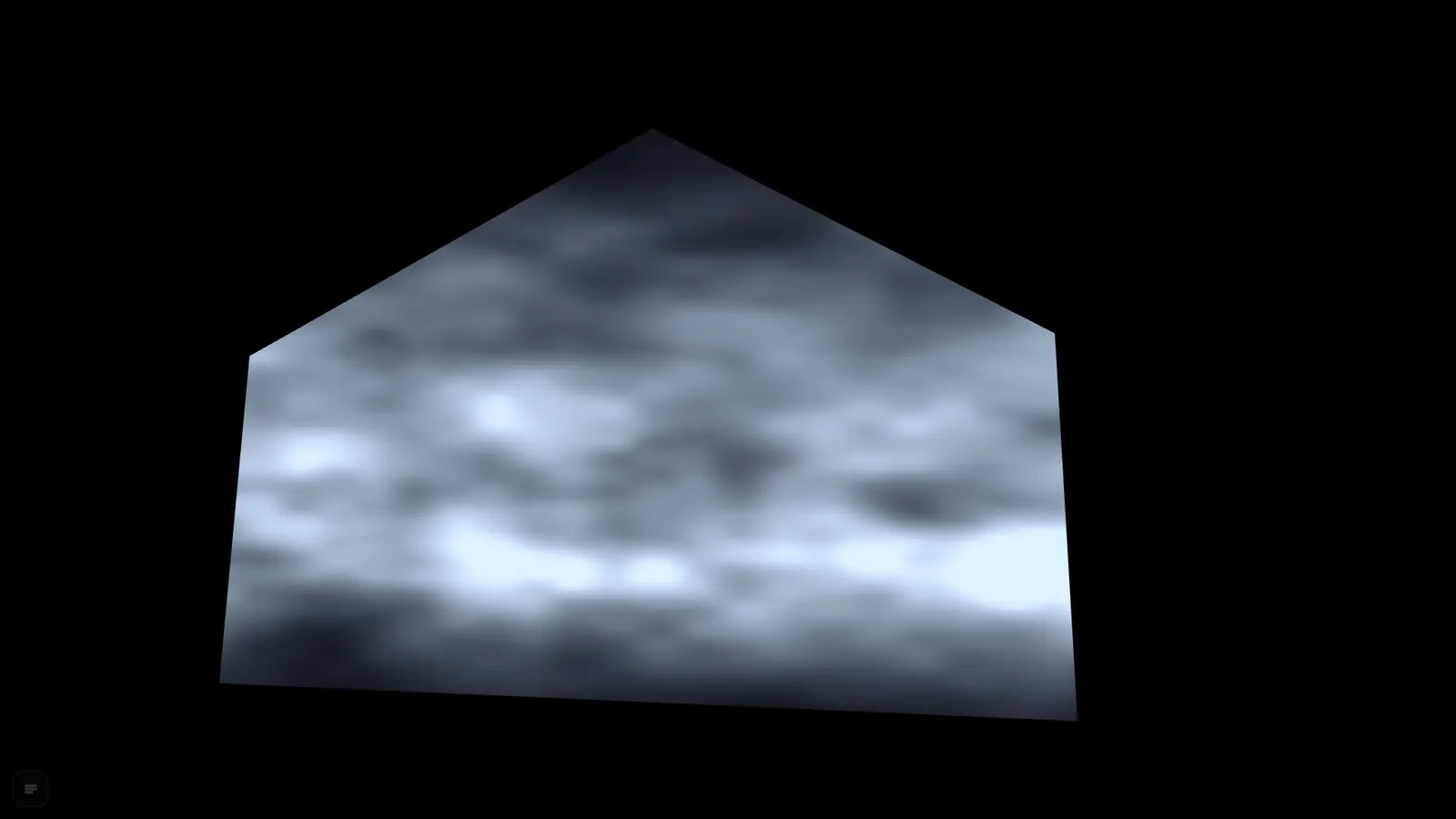
Draw surfaces, move corners, set masks. From a round object to a crooked facade.

  • As many surfaces as you like, up to 16 contents (A to P)
  • Corners for perspective, mesh up to 16 × 16 for curved surfaces
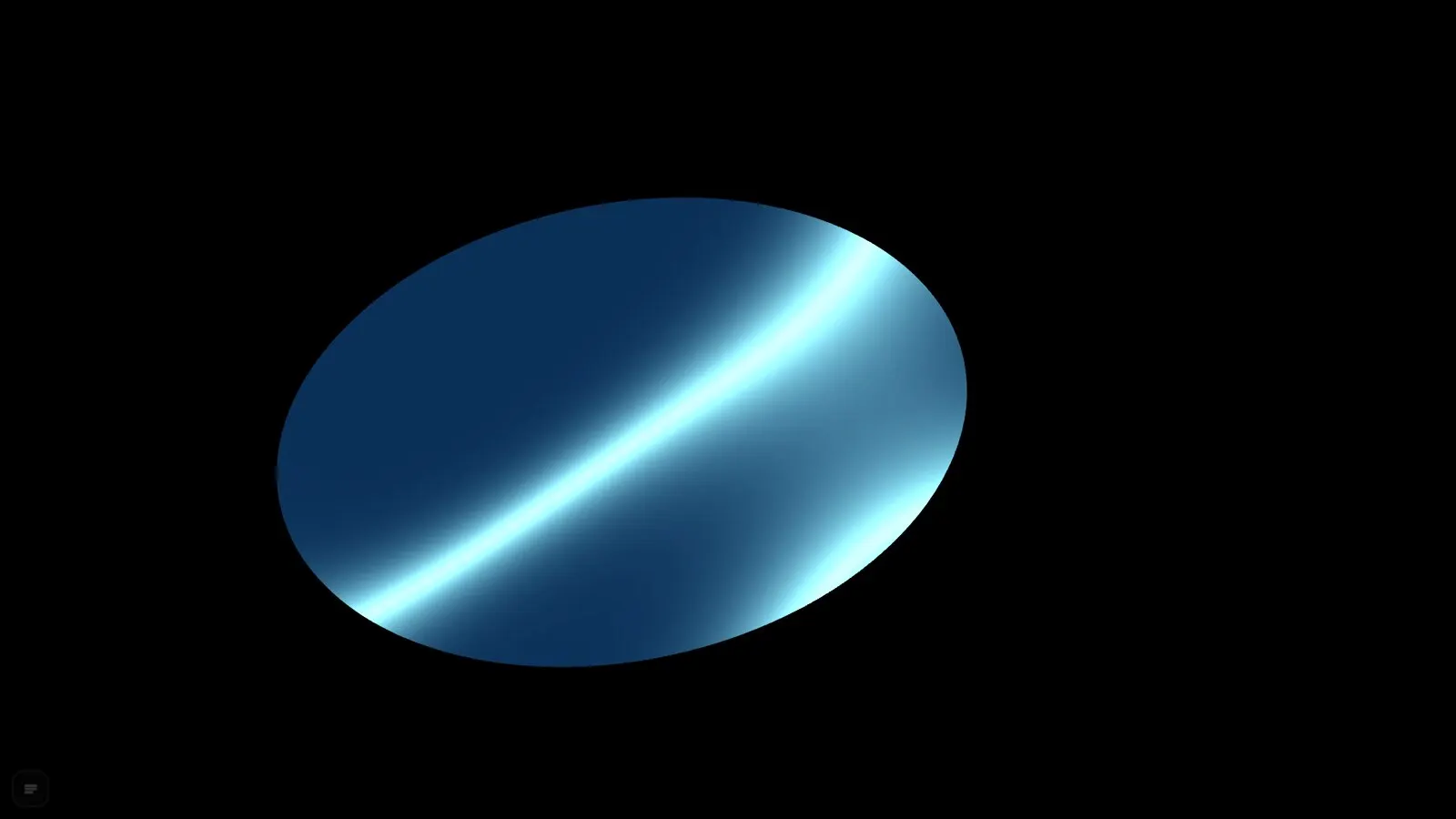
  • Masks as polygons with rounded corners or as circles and ovals
  • Opacity, ten blend modes and soft edges per surface
Surface with four corners placed on an objectPolygon mask cutting the surfaceCircle mask with animation

Find the image

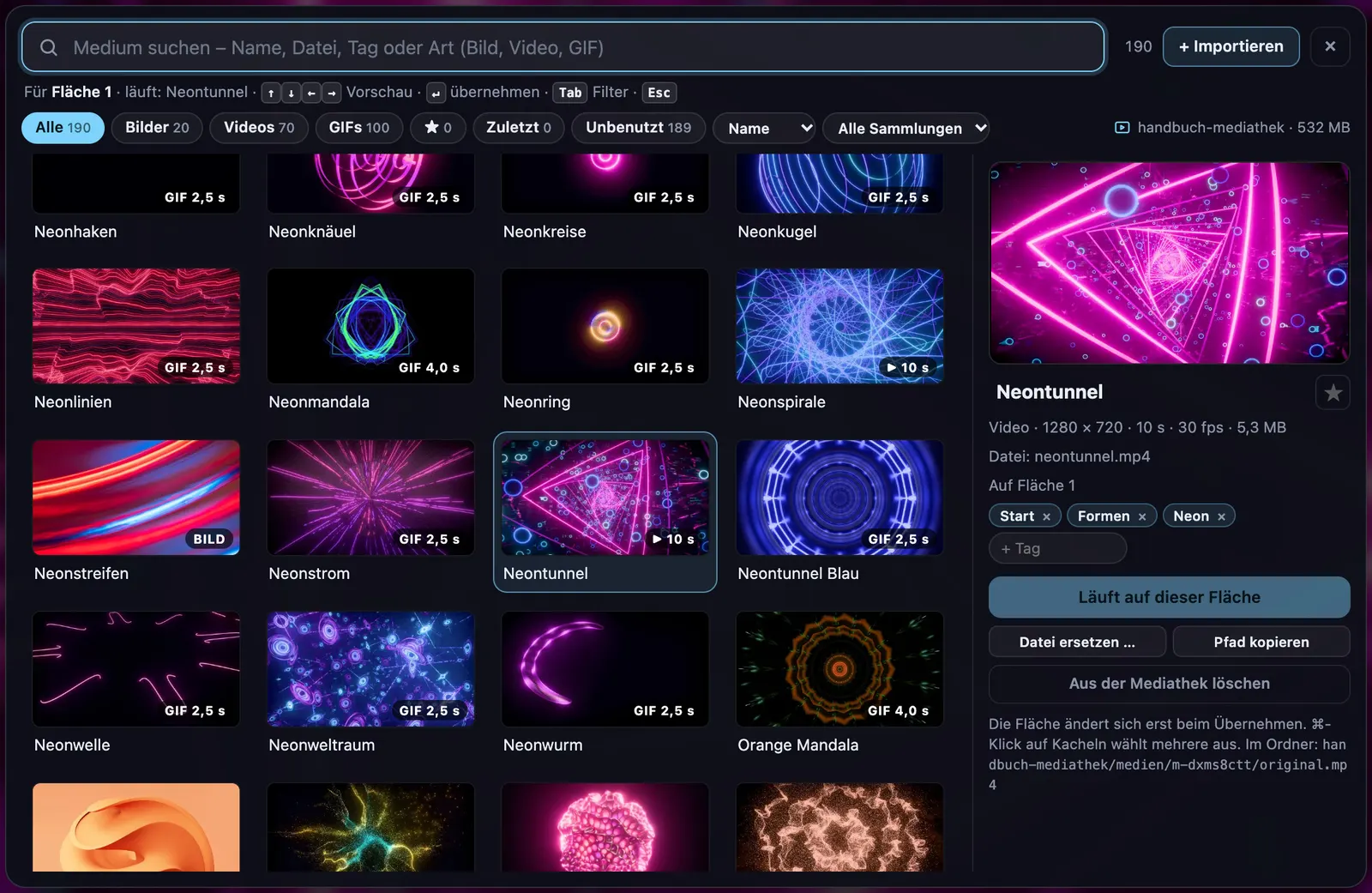
721 animations, your own media and ISF shaders. Looks, tiles and screens turn them into your material.

  • 721 animations, including 156 GPU visuals at full resolution
  • Search with ⌘F, favourites and your own presets
  • Your own videos, images, GIFs and free text, plus ISF shaders
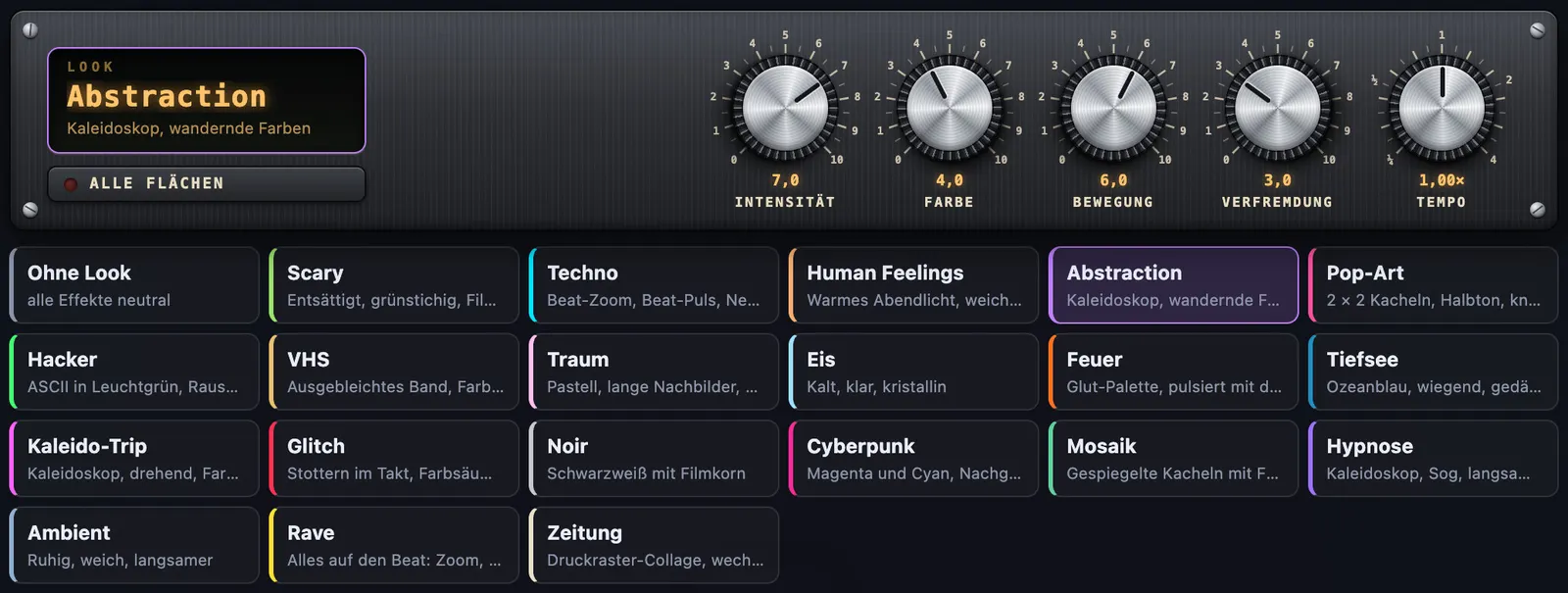
  • 20 looks, macros, tiles, print screens and image effects
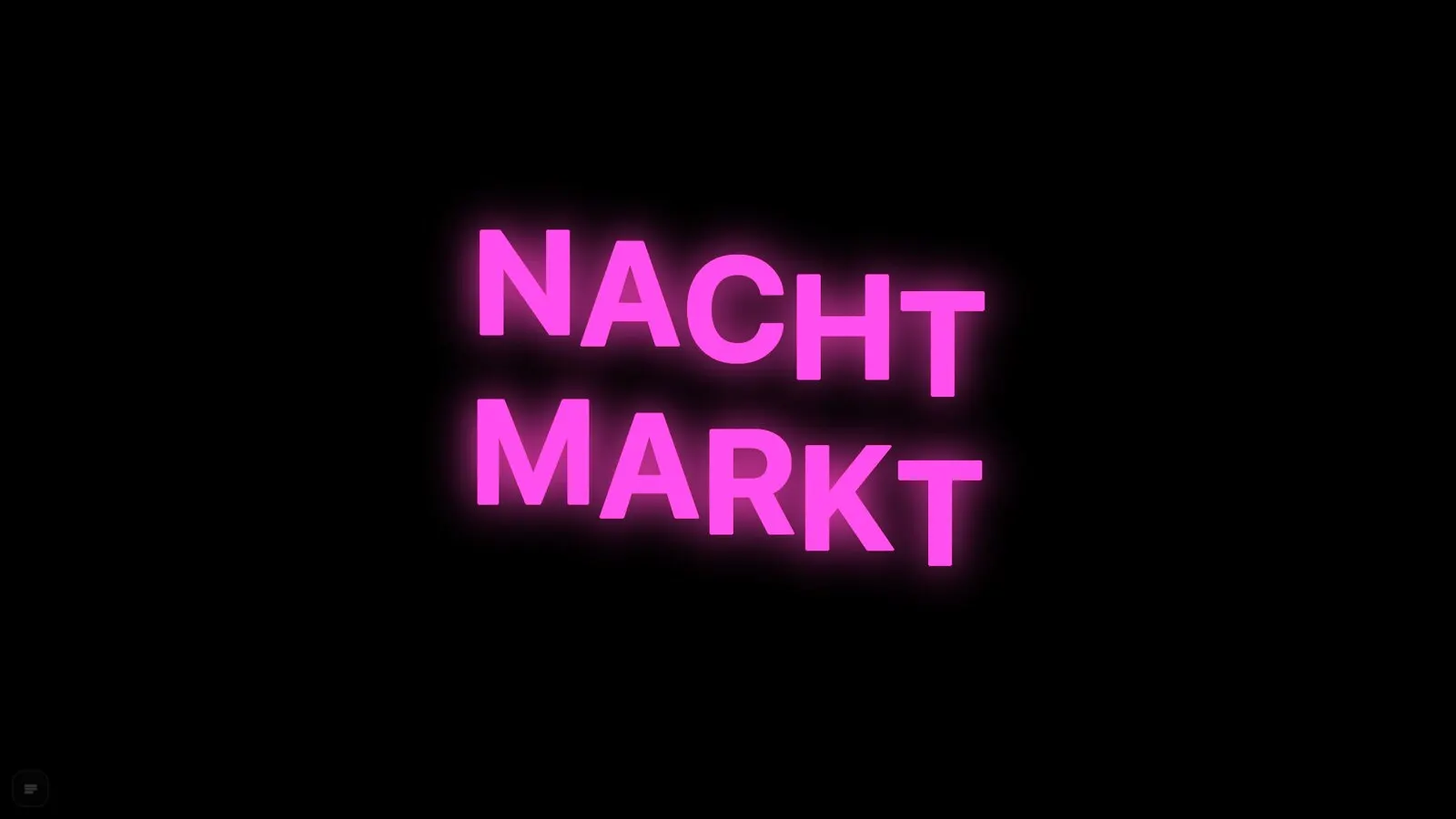
Media library with your own videos and imagesLooks change an animation at the push of a buttonFree text with glow and motion

Play it live

Beat, audio and MIDI drive the image. Trigger, combine and keep turning in the set matrix.

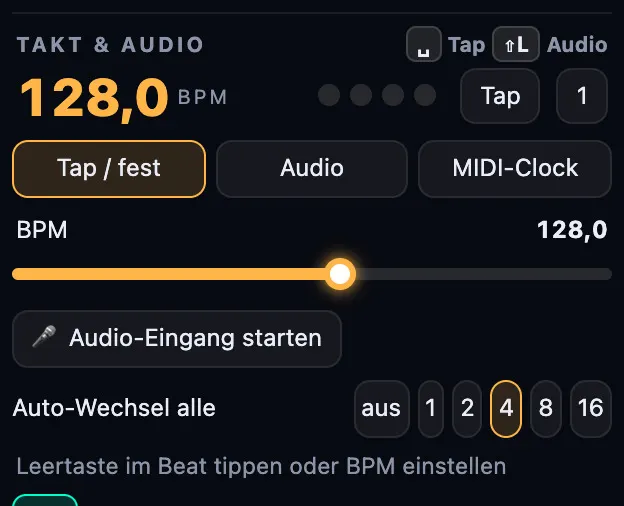
  • BPM by tap, microphone with kick detection or MIDI clock
  • Auto change every 1, 2, 4, 8 or 16 bars
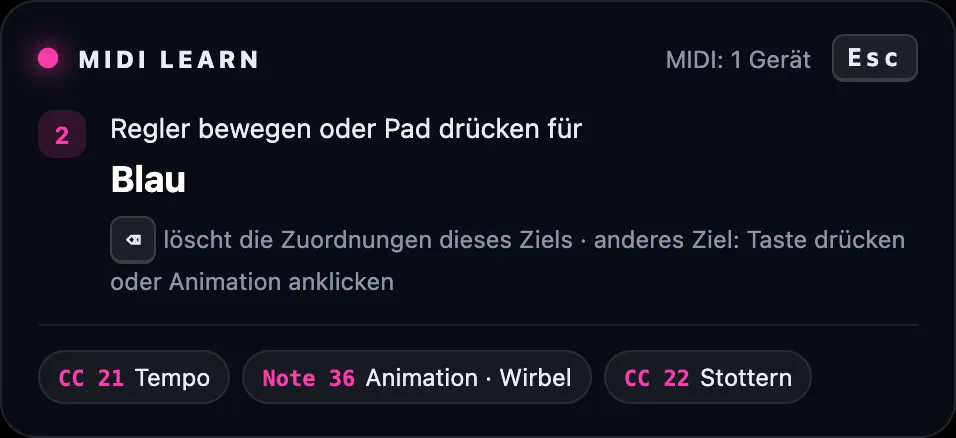
  • MIDI learn for every fader and every pad
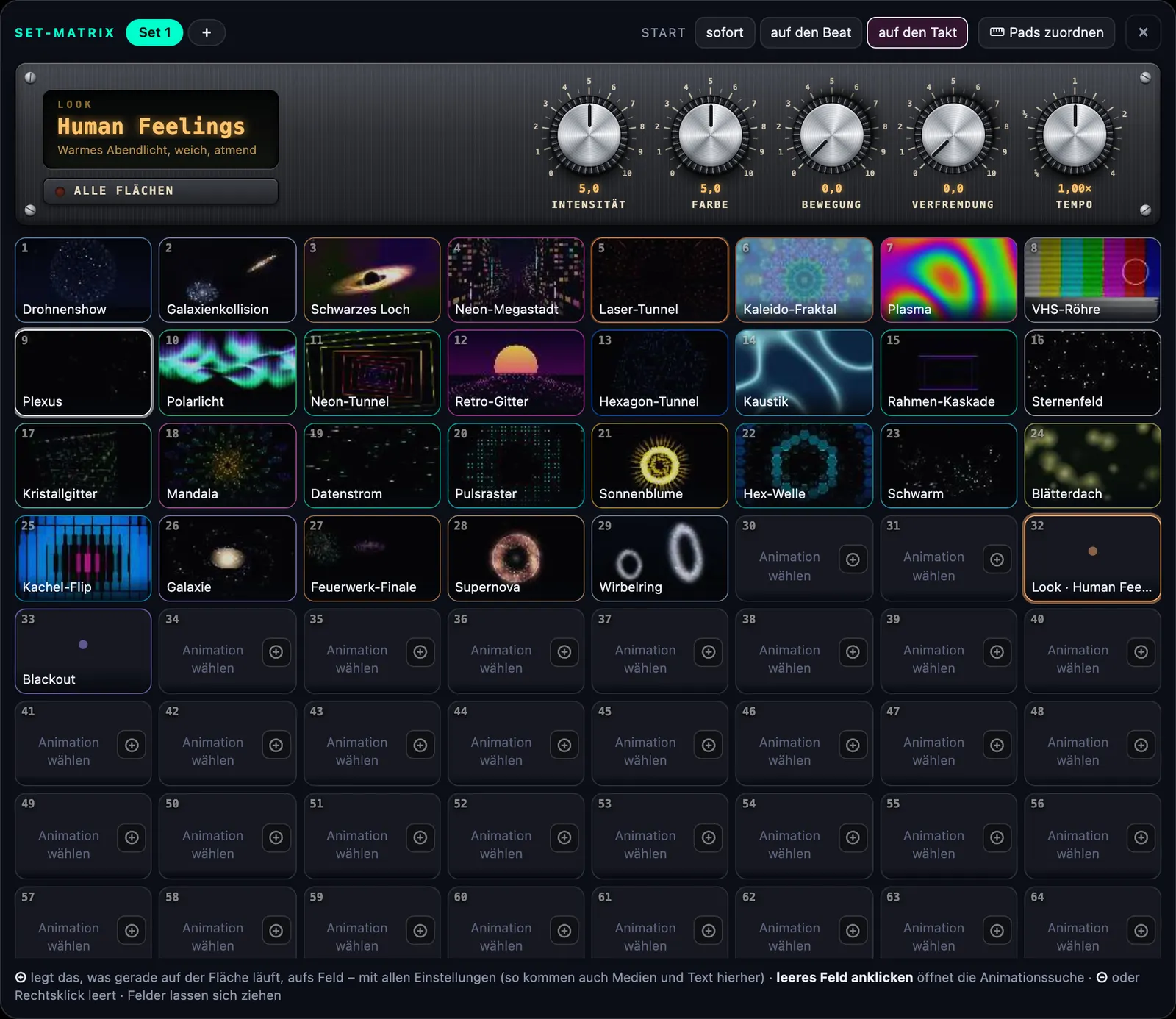
  • Set matrix with 8 × 8 slots, modulation by beat, level and LFO
Set matrix with 8 × 8 slotsBeat and audio inputMIDI learn assigns faders

Safe live

Projector window, blackout and recording – so the show runs and keeps running.

  • Projector window on the second screen with ⇧A
  • Blackout, freeze frame and emergency bar
  • Recording console: the final output as H.264 video (MP4)
  • Projects and project packages for whole stages
Recording console with timecodeFinished stage with several surfaces

GPU visuals

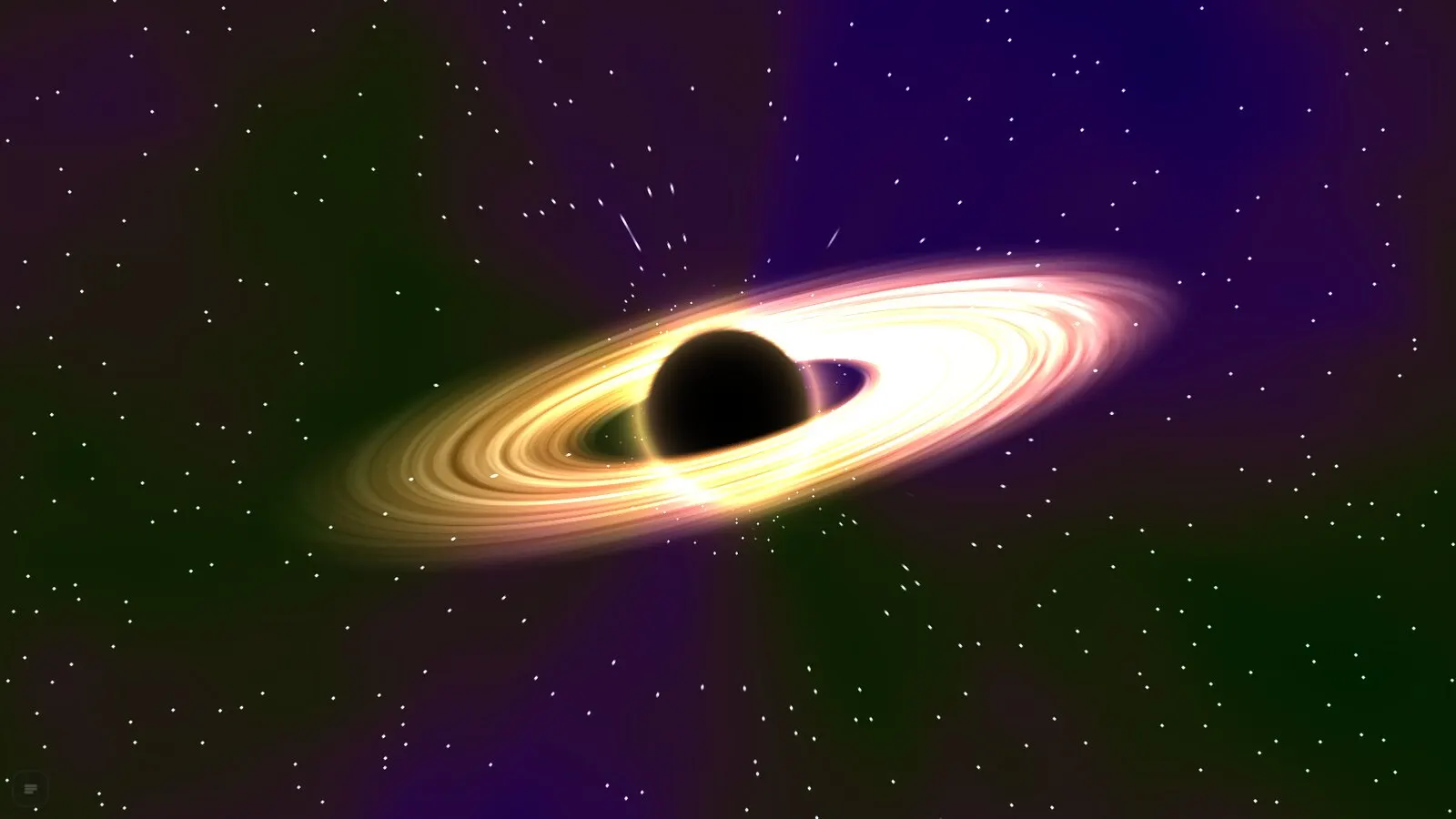
Black hole at the push of a button.

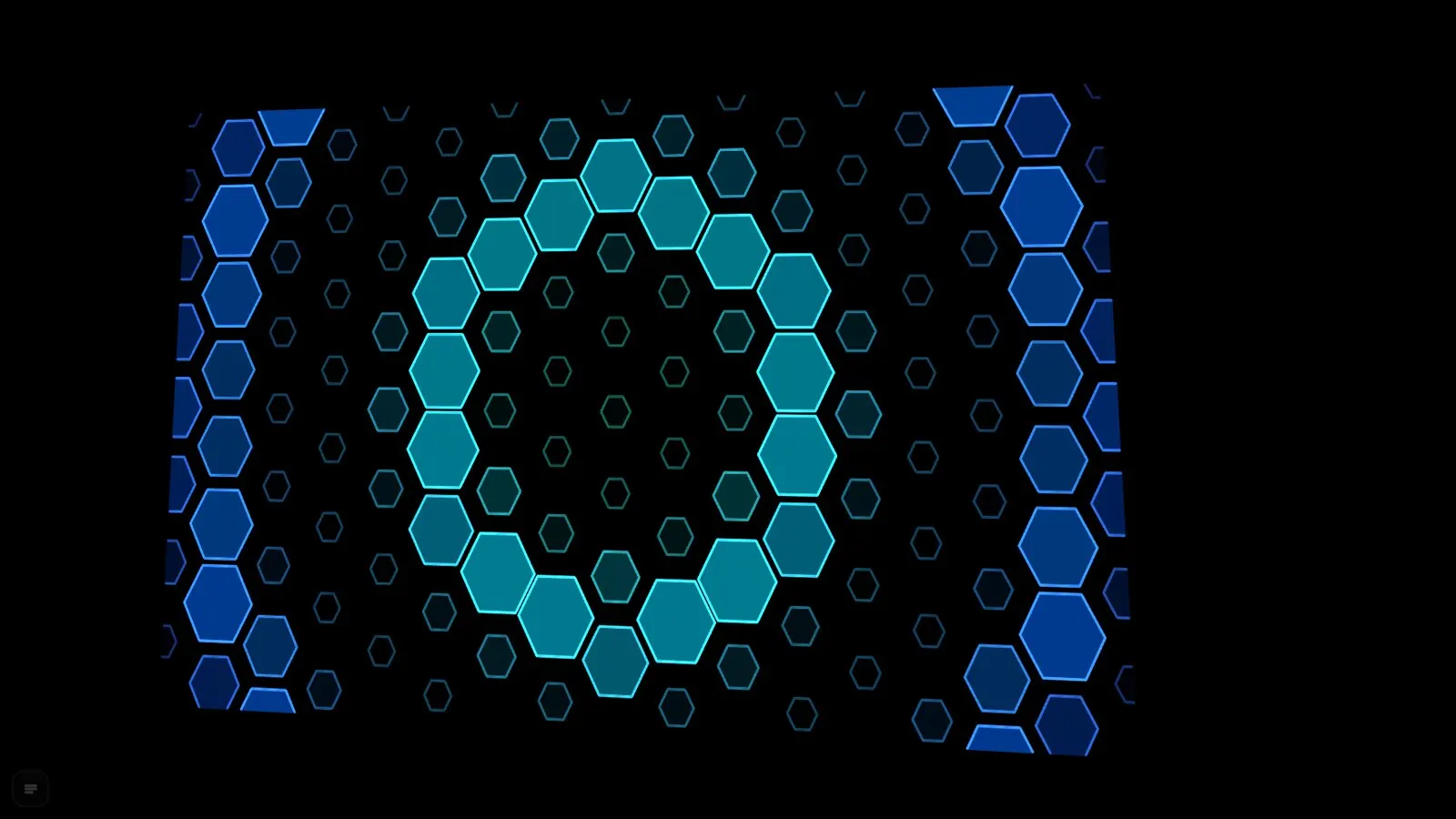
The graphics card renders 156 visuals at full resolution, designed for at most 12 ms per frame at 1080p. Many listen to beat and audio: sparks on the beat, waves in the bass.

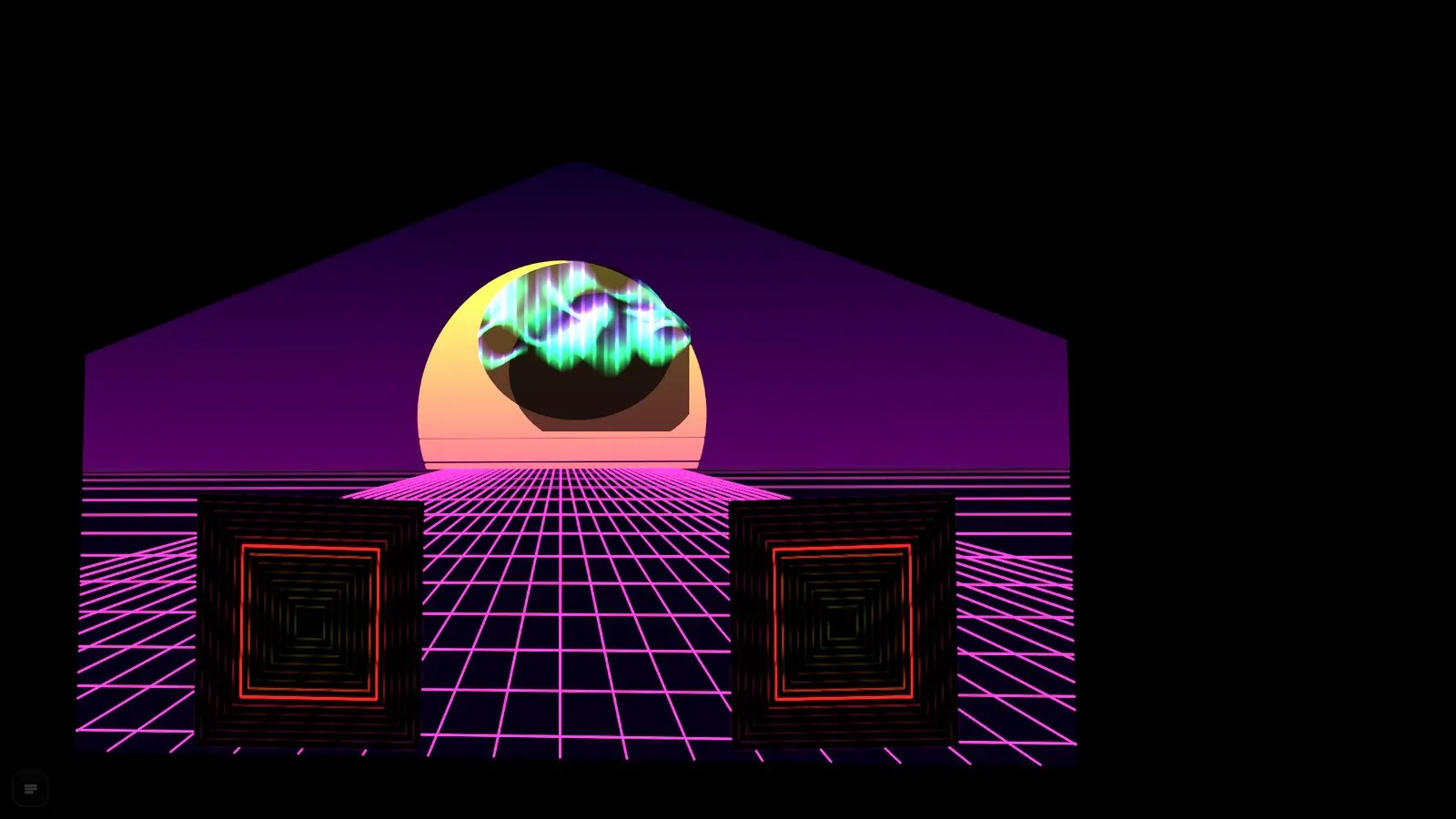
Drone show
Drone show
Black hole
Black hole
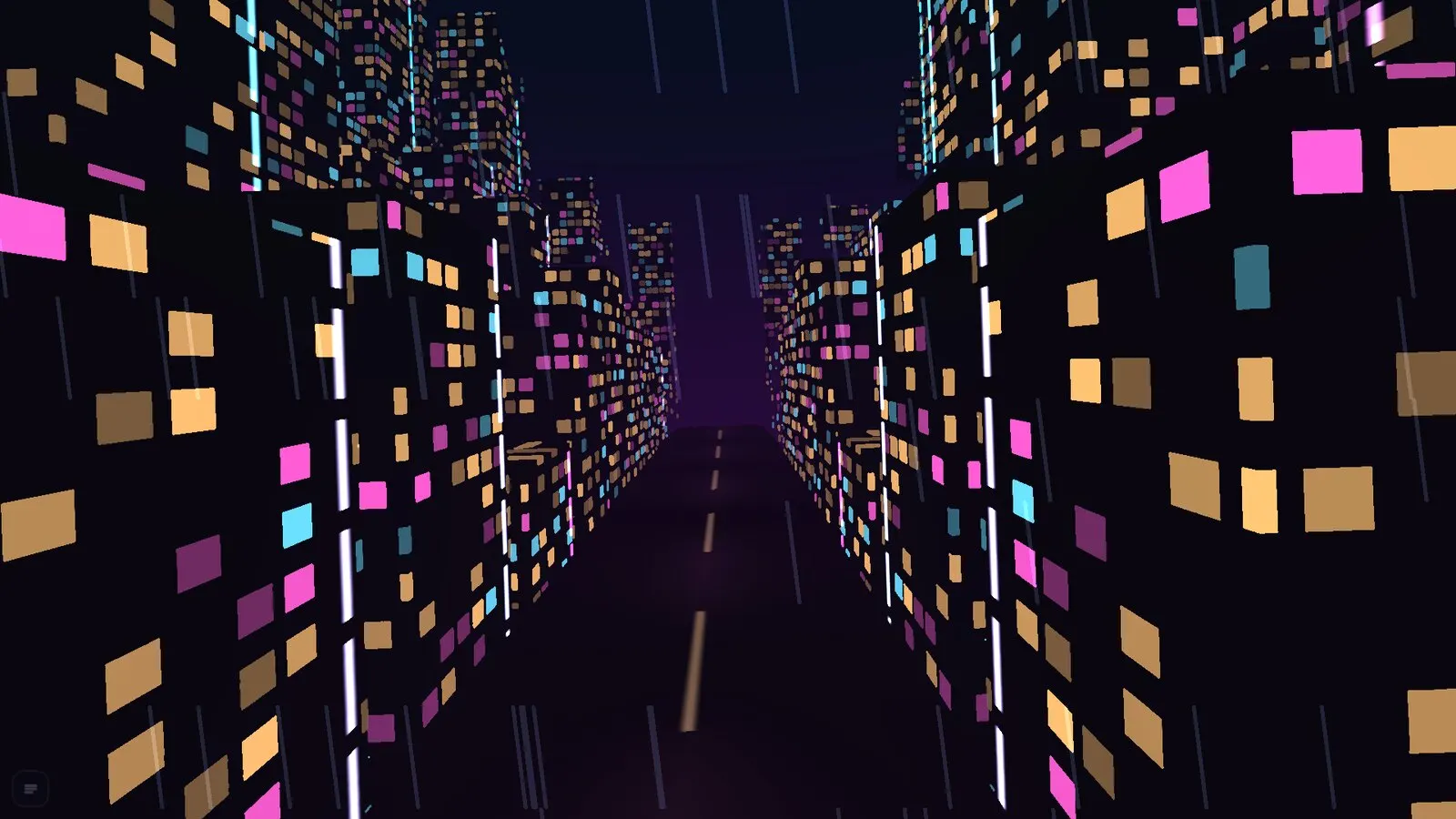
Neon megacity
Neon megacity
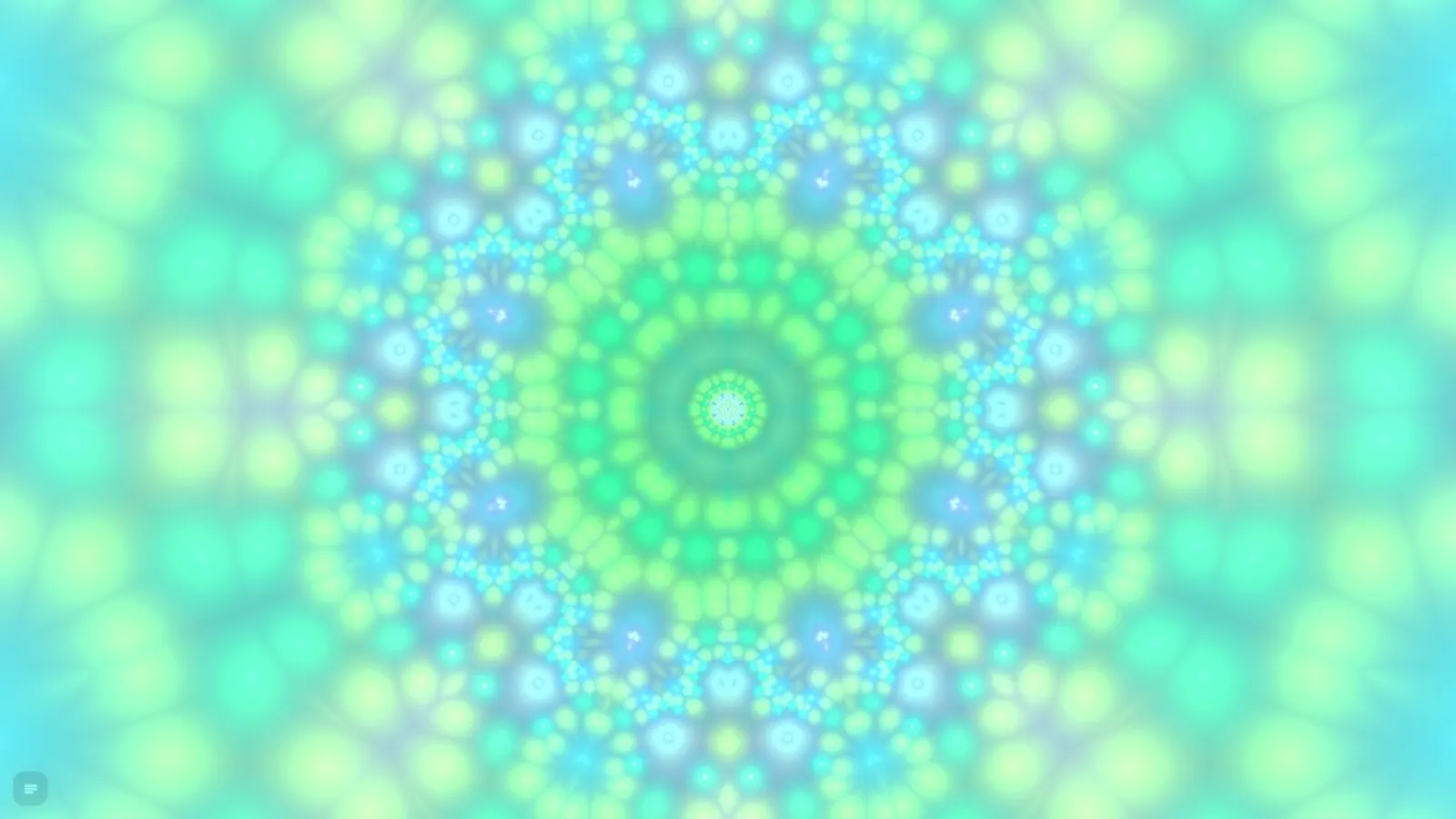
Kaleido fractal
Kaleido fractal

721

721 animations. One search.

⌘F opens the search: type a name or category, browse with ↑ ↓ – the animation plays on the surface instantly.

Videos

MikroMapper in 20 seconds.

Every wall is a screen
Black hole at the push of a button

Browser or app?

One stage, two ways.

The Mac app wraps exactly the same page as the browser file. Everything in the manual applies to both.

In the browser

For trying it out and on other people’s computers.

  • One single file, no installation
  • Runs in Google Chrome (recommended) and Edge
  • MIDI in Chrome, Edge and Firefox
  • Save stages as a file and take them with you

As a Mac app

For permanent installations, shows with a second screen, and recordings.

  • The projector window lands on the external screen without asking
  • Folders for media library and recordings stay authorised
  • No throttling in the background, the computer doesn’t fall asleep
  • Black stays black: fixed sRGB output

Buy

Get MikroMapper.

Order by e-mail: you’ll receive the download link and an invoice. The online checkout is coming soon.

Available

MikroMapper for the browser

Launch price on request

One file that runs locally in the browser – no installation.

  • All 721 animations and 156 GPU visuals
  • Mapping with corners, mesh and masks
  • Beat, audio, MIDI and set matrix
  • Manual as PDF (German)
Order by e-mail

In preparation

MikroMapper for Mac

Soon

The same stage as a standalone app for Macs with Apple silicon. Released as soon as the app is notarised by Apple.

  • Projector window without asking
  • Folders stay authorised
  • Recordings straight to Movies › MikroMapper
  • Fixed sRGB output
Notify me
MikroMapper 2.9 start screen

Manual

33 chapters. Every key explained.

The manual for MikroMapper 2.9 shows every feature with pictures – from the first surface to a show with a MIDI controller. Currently available in German.

Download manual (PDF, 28 MB)

FAQ

Frequently asked questions.

What is MikroMapper?

MikroMapper is projection mapping software. It puts animations, videos, images, text and shaders onto facades, walls, objects and stage sets and controls them live with faders, beat, audio, MIDI and a set matrix.

Does MikroMapper run in the browser or as an app?

Both. In the browser MikroMapper is one single file with no installation. The Mac app wraps the same page as a standalone app for Macs with Apple silicon and can also place the projector window directly on the external screen.

Which browser do I need?

Google Chrome is recommended, Edge works too. MIDI works in Chrome, Edge and Firefox, not in Safari.

Can I use my own videos, images and shaders?

Yes. Your own videos, images and GIFs go onto any surface through the media library, plus free text and your own shaders in ISF format.

How do I control MikroMapper live?

With keyboard, mouse and the live faders, with the beat (tap, microphone with kick detection or MIDI clock), with MIDI learn for every fader and pad, and with the set matrix of 8 × 8 slots.

Can I use MikroMapper for VJing?

Yes. Live faders, beat sync via tap, microphone or MIDI clock, MIDI learn and the 8 × 8 set matrix are made for playing live – as a VJ in the club, at concerts, parties and events.

How does the image get to the projector?

⇧A opens the projector window. MikroMapper places it on the second screen, where ↵ switches to full screen. Controls and mapping stay in the main window.

Can I record my show?

Yes. The recording console captures exactly the image that goes to the projector, as H.264 video (MP4) at a fixed frame rate.

Is there a Windows version?

A Windows version is planned. In the browser, MikroMapper also runs on Windows in Chrome or Edge.

Is the manual available in other languages?

The manual is currently available in German, as a PDF with pictures and a quick reference of all keys.